With Bytebase, teams know who, what, when, why, how a database change has happened.
Issue Detail
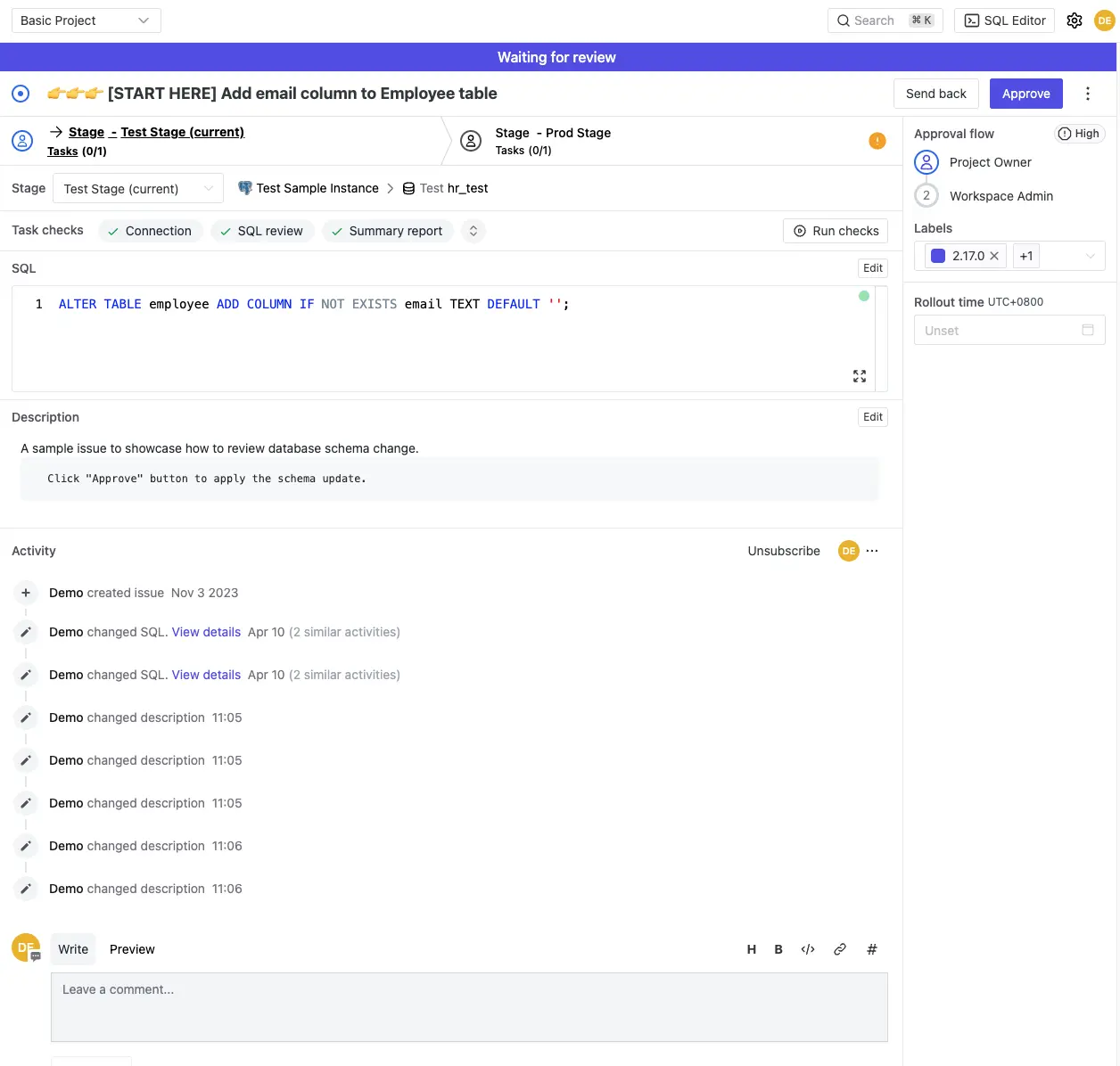
Bytebase Issue is the container to capture a database change process. A single issue can contain a change to a single database as well as changes to hundreds of databases spanning multiple environments.
Who
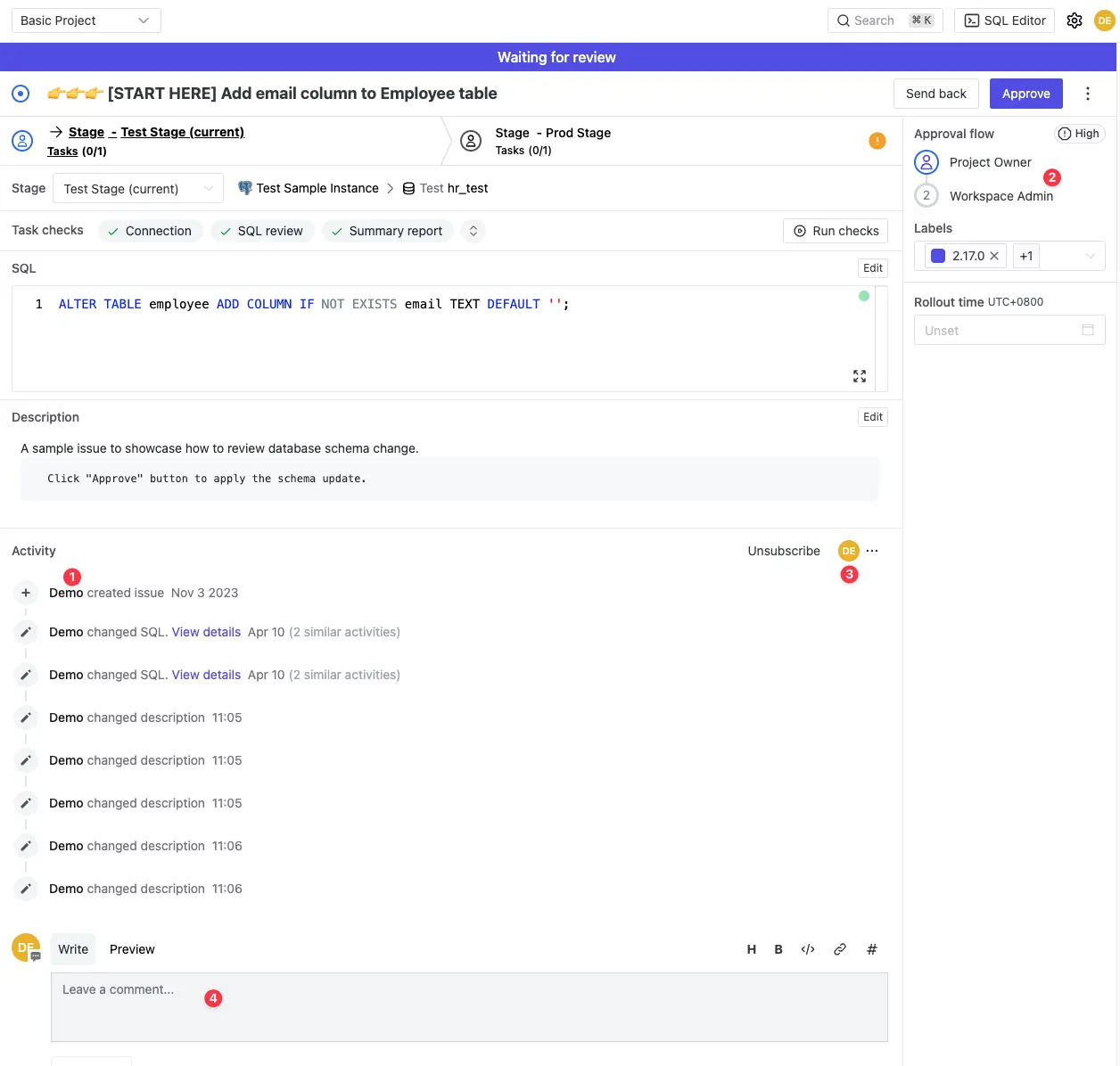
- Issue Creator
- Reviewers according to the Rollout Policy
- Subscribers interested in the progress.
- Other participants can comment.
What
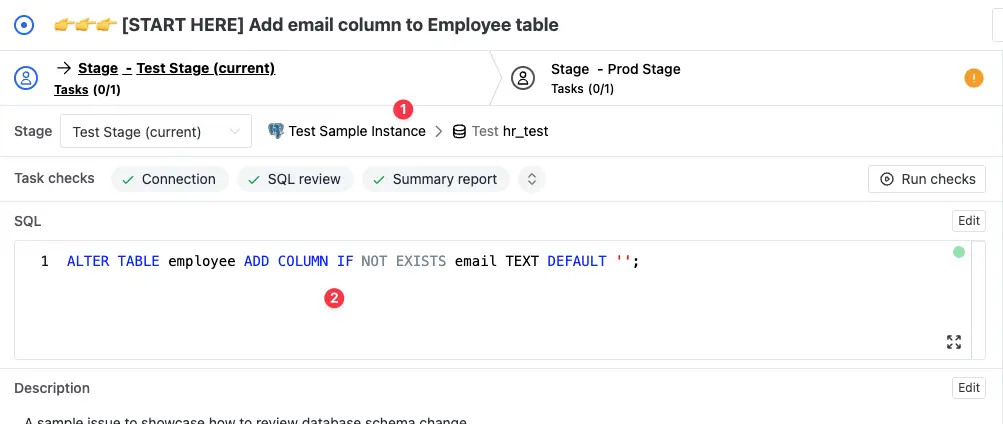
- The target database instance, environment, and the database.
- The SQL change statement.
When
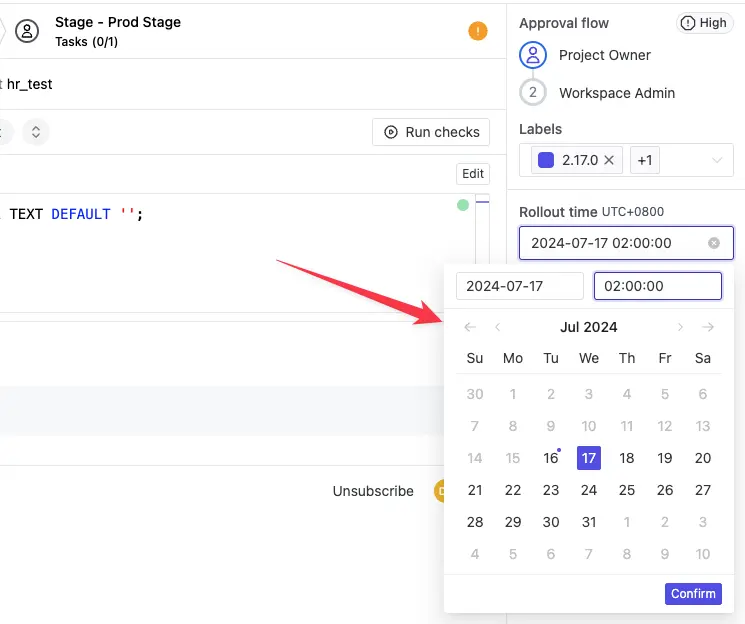
You can specify when to deploy the issue (e.g. 2:00 midnight during non-business hours).
Why
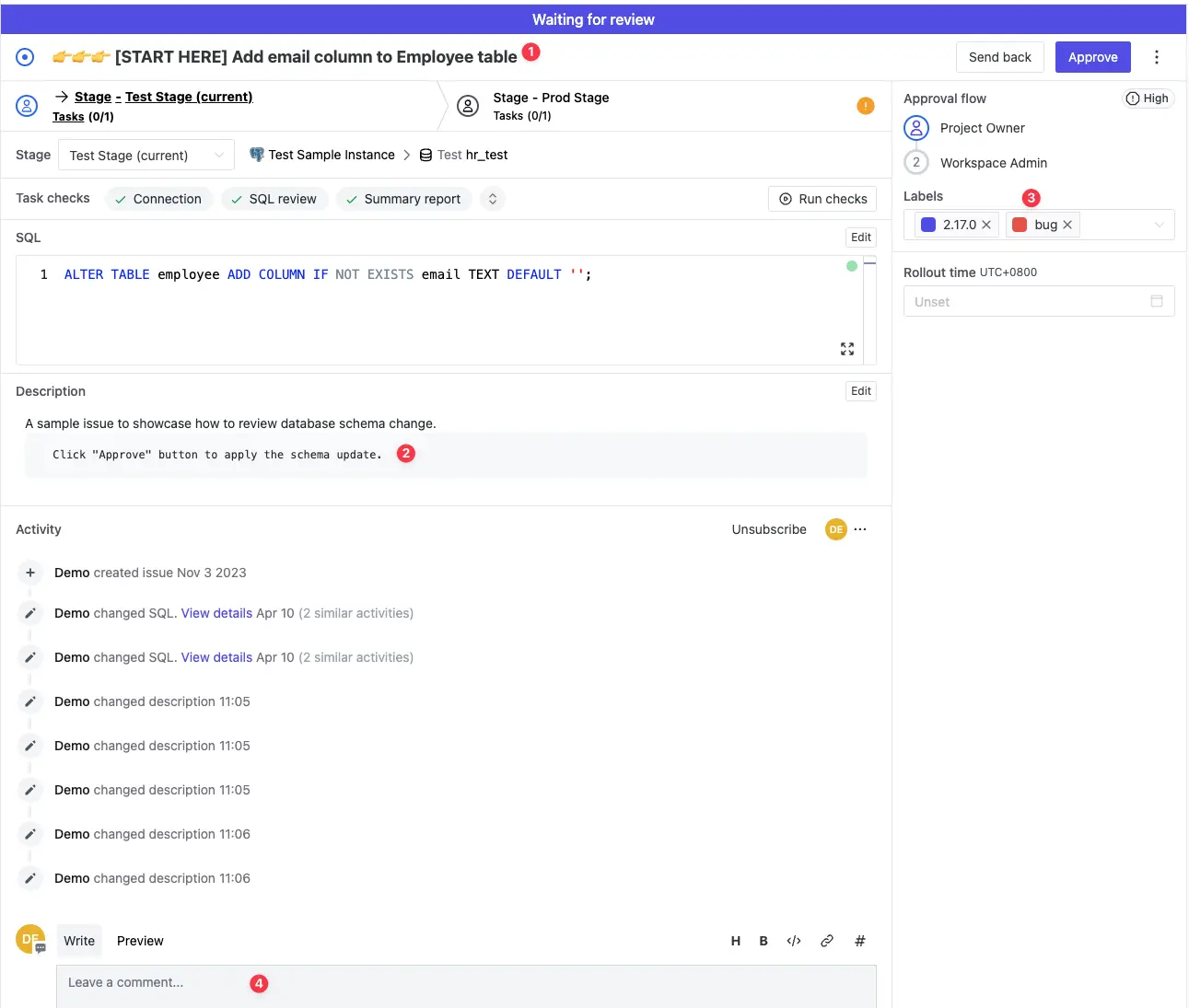
- Title to provide a change summary.
- Description to provide detailed change context.
- Labels to attach keyword information.
- Comment to provide more context.
How
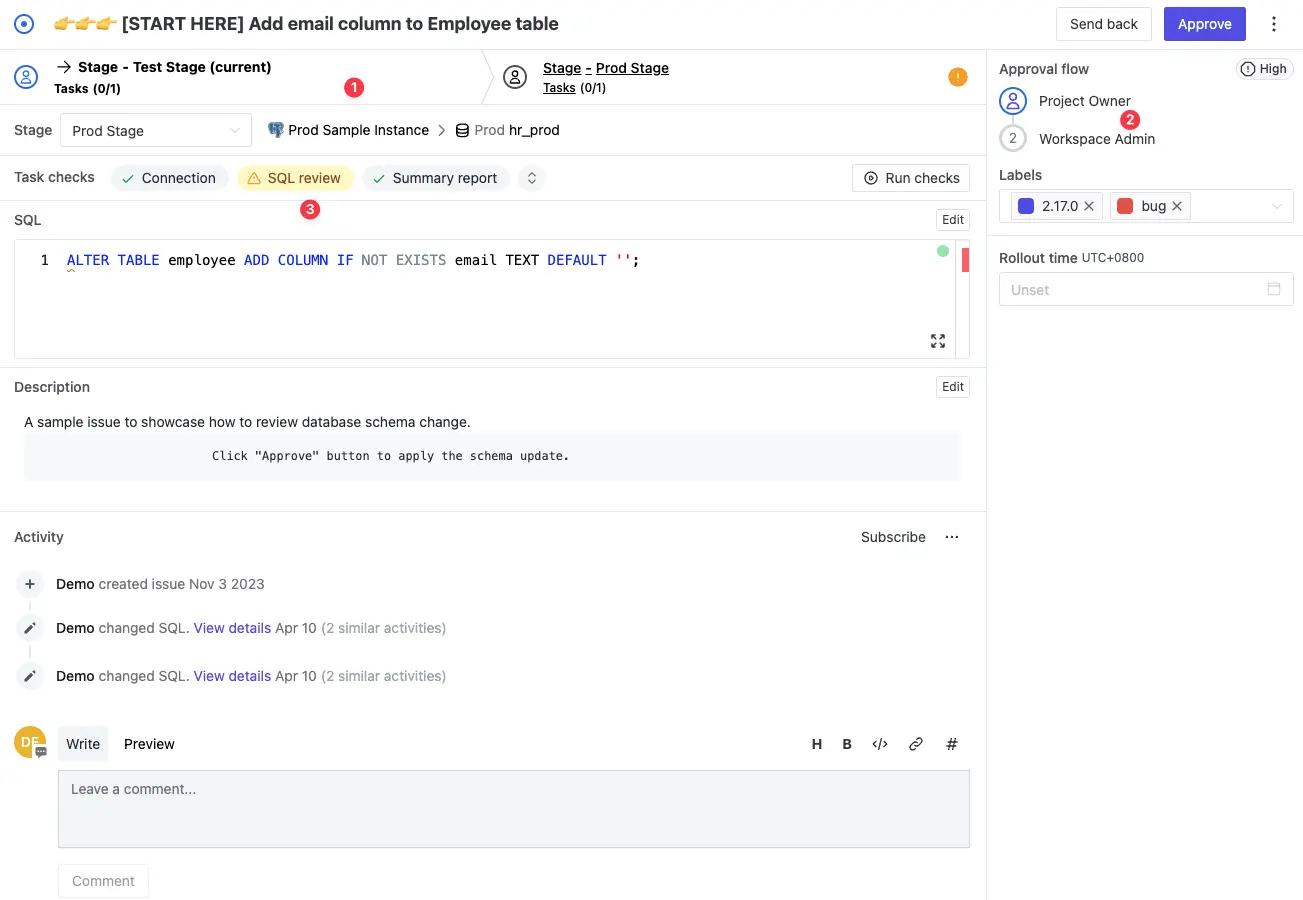
- The database change process is organized into multiple stages.
- The change is identified as high risk change and requires two approvers.
- Checks
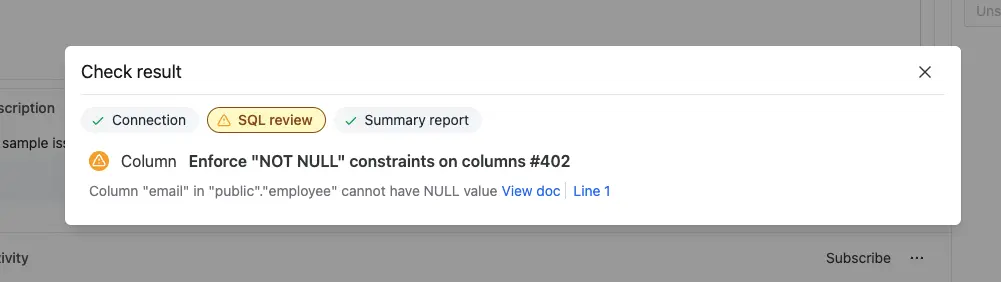
- SQL Review checks various anti-SQL patterns.
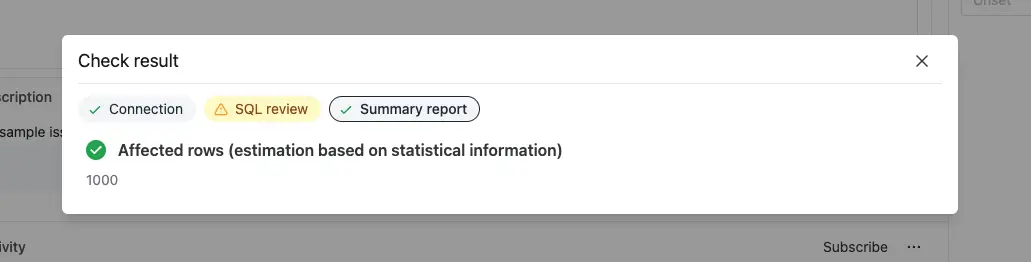
- Summary report shows the estimated impact.
- SQL Review checks various anti-SQL patterns.
Editing Activity Log
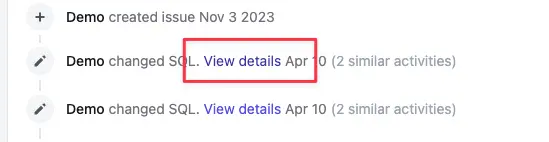

Change Execution Log
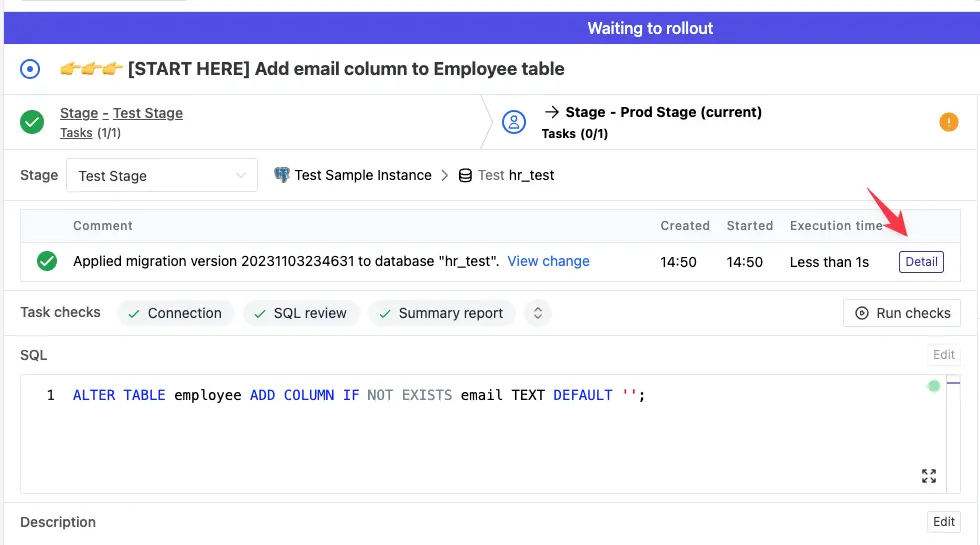
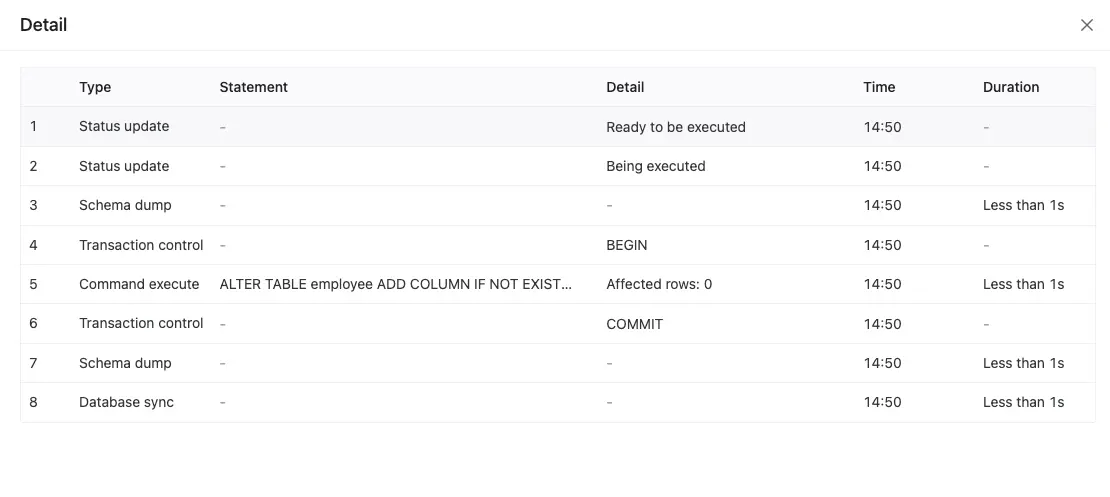
Change History
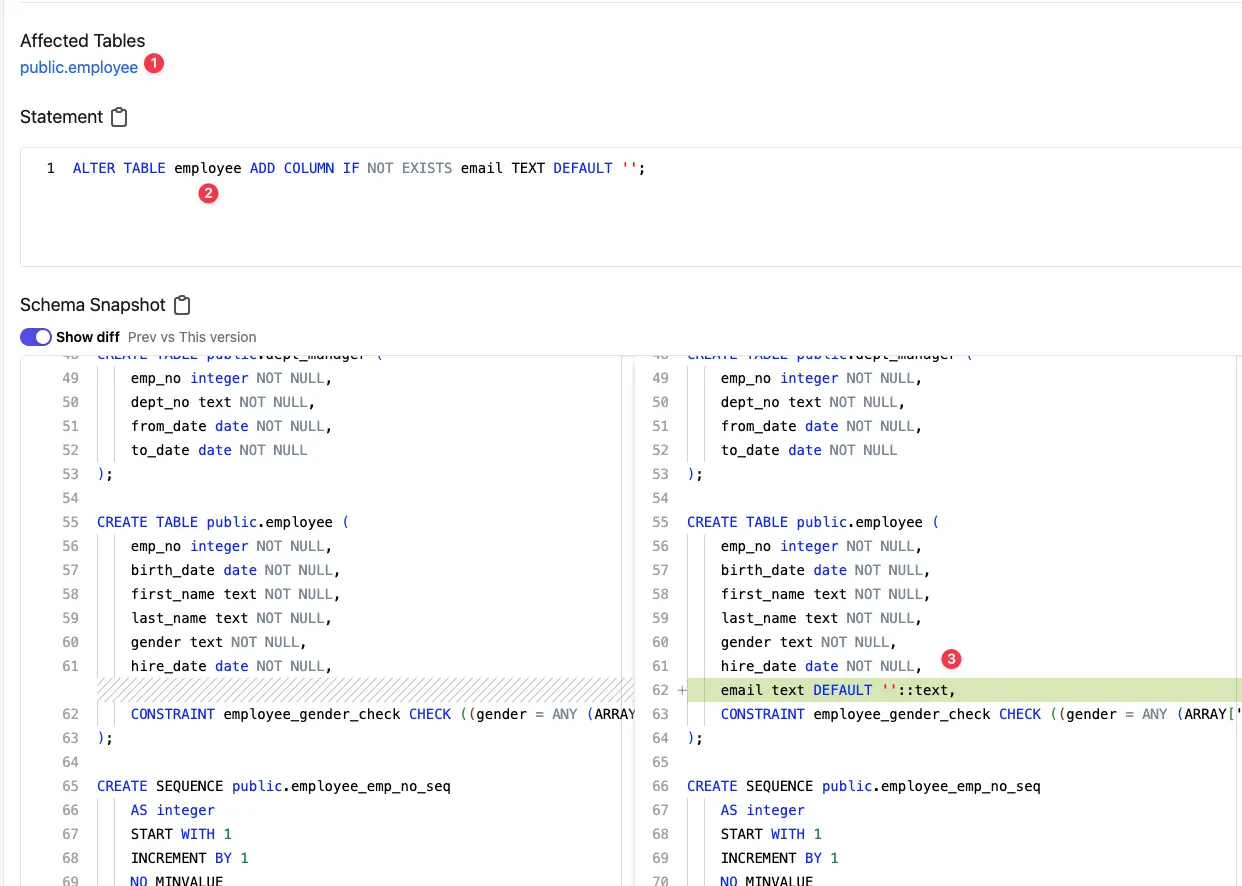
- Affected Tables
- Change statement
- Change diff
Webhook Notification
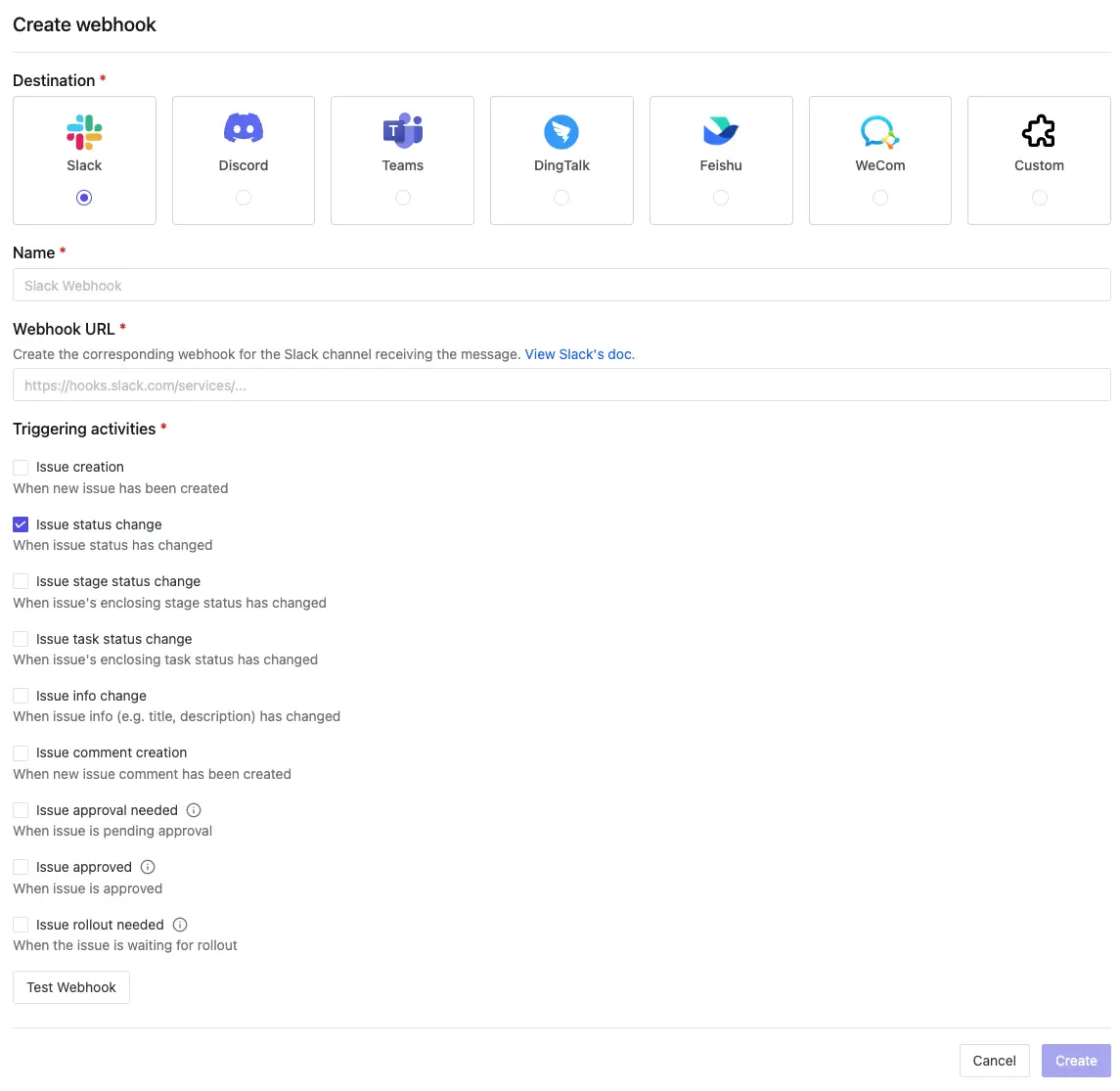
Configure webhook to post change progress to the IM channel.
Summary
Different from a general issue tracking system like Jira, Bytebase is built specifically for the database change management. Bytebase provides much more context to track the entire database change process.
Back to blog